One binary per machine
Install the MCP Desk agent (servermcp) on each host.
Windows, Linux, macOS, and Android share the same hub protocol.
AnyDesk-style remote MCP: one lightweight binary per host, a central hub, and stable invite codes so agents and operators can reach machines without brittle tunnels. Share a code, approve on the machine, connect.
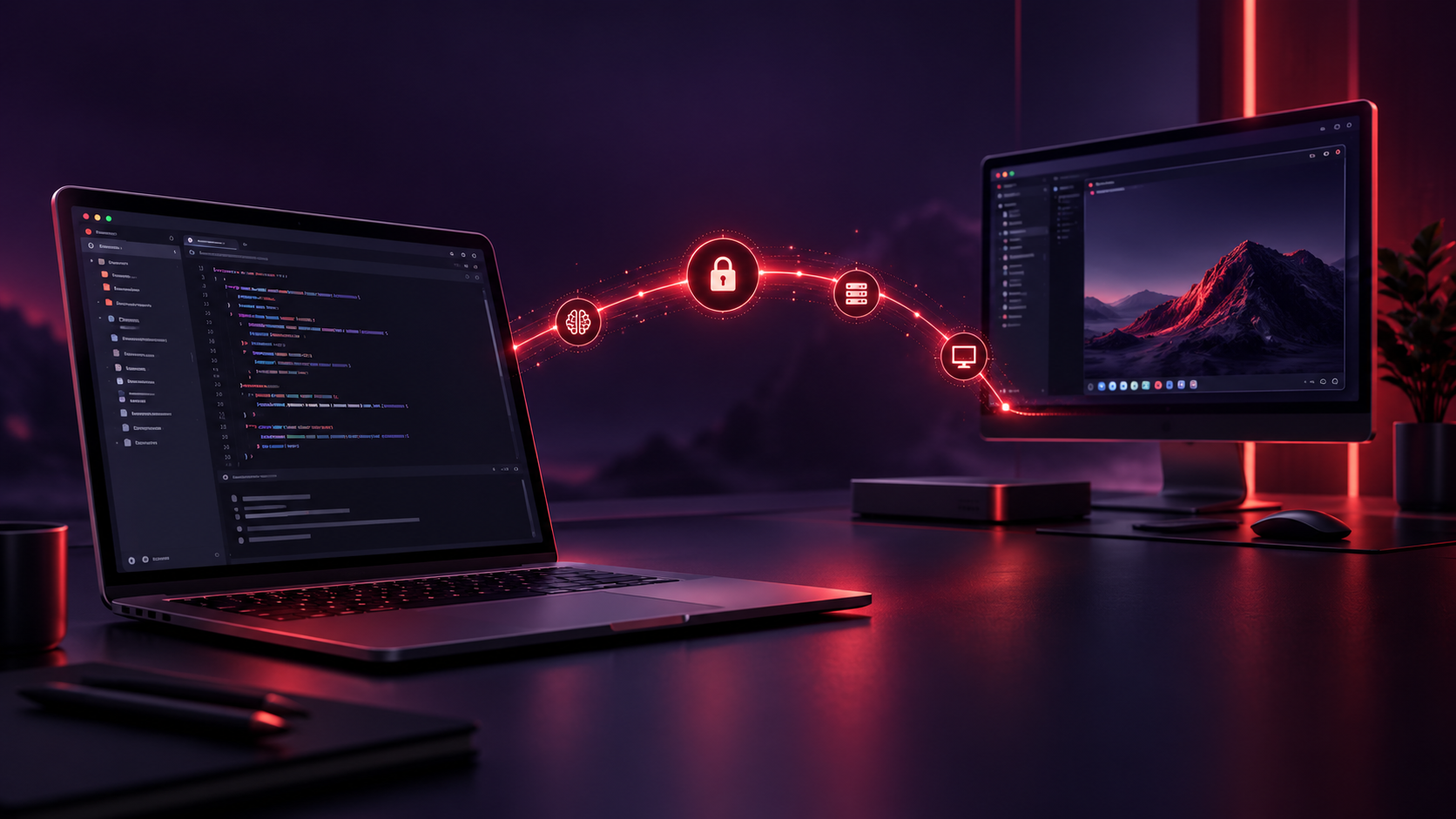
MCP Desk lets AI agents reach a machine the way AnyDesk reaches a desktop — one hub, stable machine codes, invite/connect.
Install the MCP Desk agent (servermcp) on each host.
Windows, Linux, macOS, and Android share the same hub protocol.
Agents register and heartbeat to the hub. Peers find each other by code, not by IP — no per-session tunnel juggling.
Each machine gets a shareable code (xxx xxx xxx)
derived from its MAC — same MAC → same code, every time.
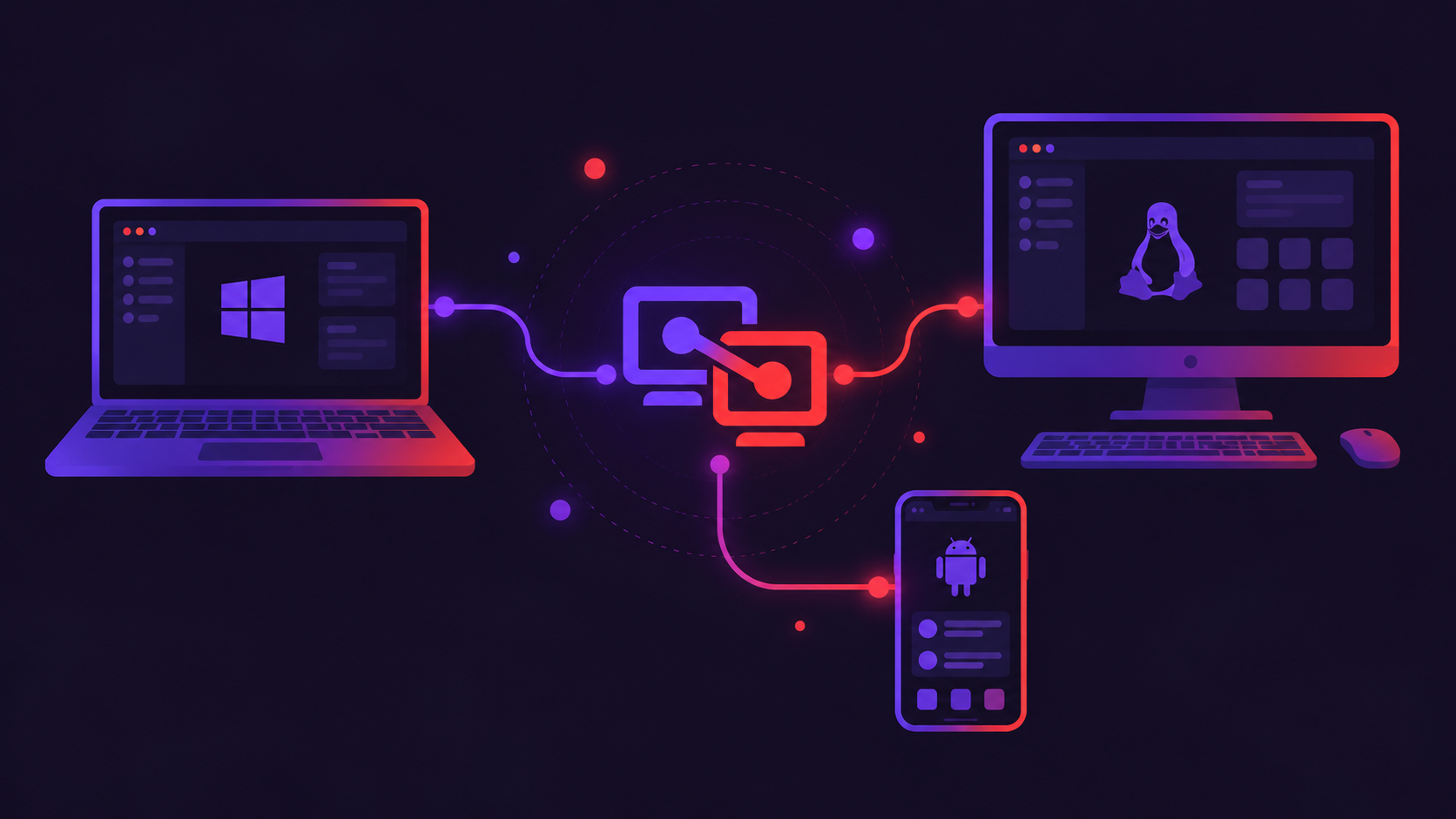
Four steps from zero to a reachable MCP host.
Run MCP Desk on the machine you want AI tools to reach. Point it
at the hub with --hub-url.
On first run the agent shows your stable 9-digit code plus a short-lived OTP. Share both when requesting access.
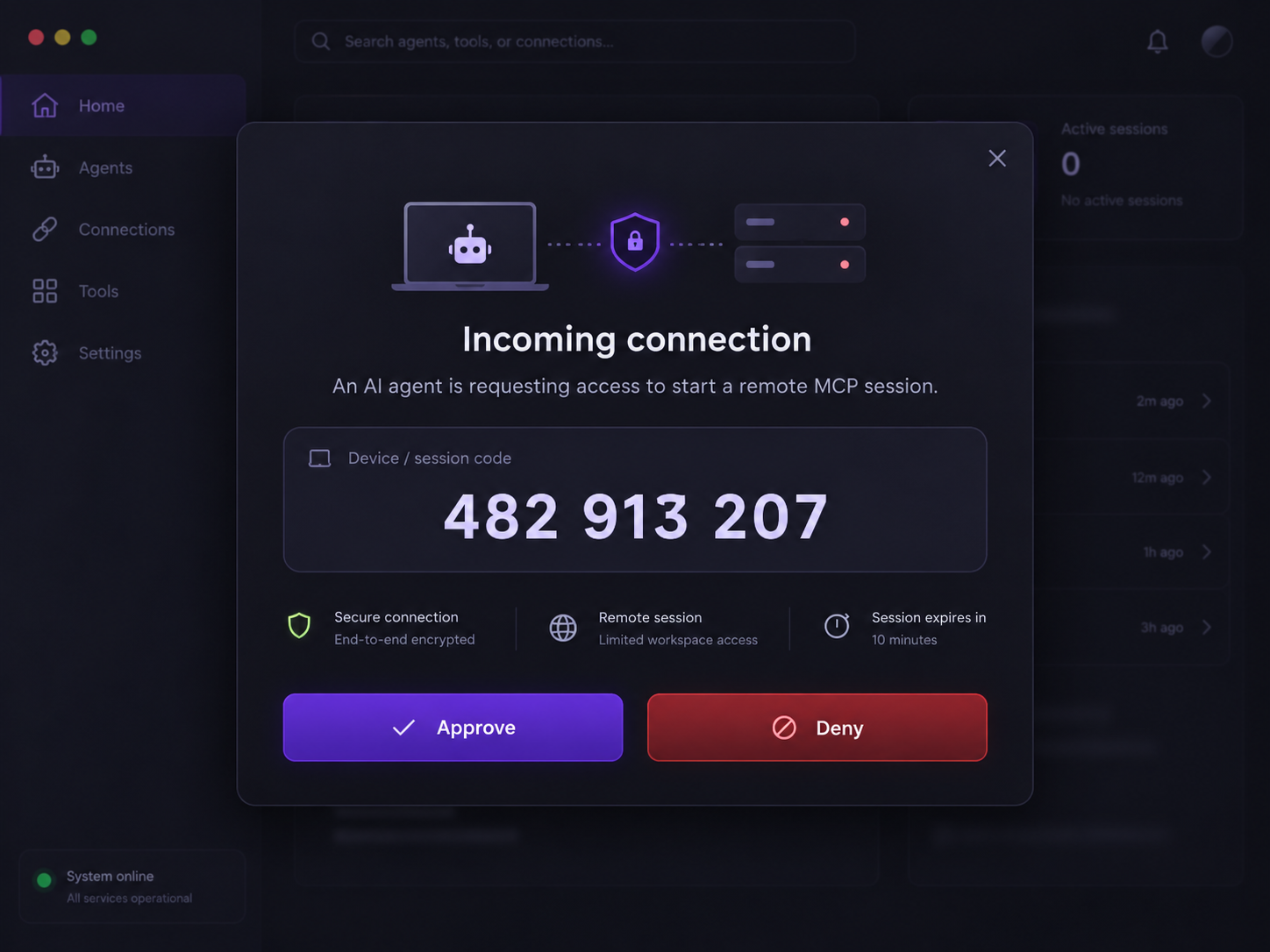
Inviter sends an invite by code. The invited machine sees who and from where — then Approve or Deny.
After approve, the session opens. Heartbeats keep the device online in the registry.
Client behavior after install — code, OTP, approve, and optional always-on service.
After install the agent shows your stable code and a short-lived OTP. Share both to request access — the code alone isn’t enough.
Incoming connect requests pop Approve or Deny on the machine (who + from where). No tunnel until you approve.
Optional Windows service / systemd install keeps the agent
online after reboot. Each peer still needs Approve/Deny —
or opt-in unattended via
<install_dir>/authorized_keys next to the
Client binary (see docs).
servermcp --hub-url <hub> auto-registers on
start and heartbeats about every 30s. MCP admin tools still work
if the hub is briefly down.
The hub is the invite/connect registry. The public hub is live
over HTTPS at
https://hub.mcpdesk.io —
agents connect with
--hub-url https://hub.mcpdesk.io.
Windows, Linux, macOS, Android — same hub protocol. Artifact
URLs are placeholders until Deploy publishes builds — swap them
in js/config.js.